Point of sale (POS)
A fast cashier screen with Arabic receipts for shops, cafes and restaurants.
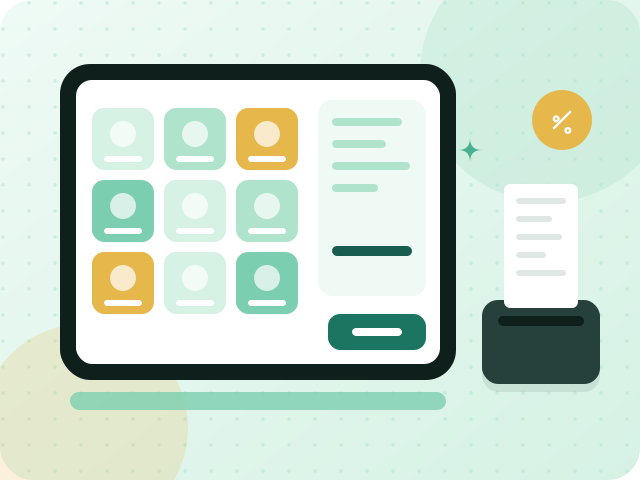
The cashier screen is built for speed: tap or scan items, take payment and print an Arabic receipt without leaving the screen. Prices come from your product catalogue and price lists, a payment can be split, and selling carries on through a short connection drop. At closing time the cashier closes the session and sees what was sold and how it was paid. Every receipt is a simplified invoice with a QR code.
What you get
Barcode scanning at the counter
Scan the barcode on a product and it lands in the basket with its price, or search by name when there is no label. The cashier never has to look a price up or key it in.
Arabic receipts with a QR code
Receipts print in Arabic, or in Arabic and English, with your business name, the VAT amount and the QR code that simplified invoices require. Nothing needs to be added by hand before the customer leaves.
Split and partial payments
Take part of a bill in cash and the rest by another method, or divide a bill between several guests. Each payment is recorded with its method and amount, and the receipt shows what was paid and what remains.
Keeps selling through short connection drops
If the internet wobbles during the busiest hour, the cashier keeps ringing up sales and the screen does not freeze. Sales taken during the gap are saved and sent once the connection returns.
How it works
- 1
Open a session
The cashier opens the register, records the opening cash and starts a session. Products and price lists are already loaded from your catalogue.
- 2
Ring up the sale and take payment
Scan or tap the items, apply the right price list, and choose how the customer pays. Split the payment if needed, then print the Arabic receipt.
- 3
Close the session
At the end of the shift, close the session to review sales by payment method and compare the cash in the drawer with the expected amount. The day's sales are then recorded in your accounts.
Frequently asked questions
Does the POS suit both shops and restaurants?
Yes. Shops use barcode scanning, price lists and quick checkout, while cafes and restaurants use the same screen for fast counter orders and guest bills. All of them print Arabic receipts that are simplified tax invoices with a QR code. POS is included in the Business plan.
What happens if the internet drops while I am selling?
A short drop does not stop the cashier: the screen stays usable, and sales taken in the gap are saved and sent when the connection comes back. A long outage is a different matter, so keep a reliable connection at the counter.
Do POS sales show up in my invoices and VAT reports?
Yes. POS sales are recorded as simplified invoices in the same system as your other invoices, so their VAT is included in your VAT reports along with everything else, with no re-entry at the end of the day.
Industries that use this
Start with a workspace of your own
Try invoicing, e-invoicing and the point of sale for 90 days. No credit card, no commitment.