Invoices and documents
Invoice QR code
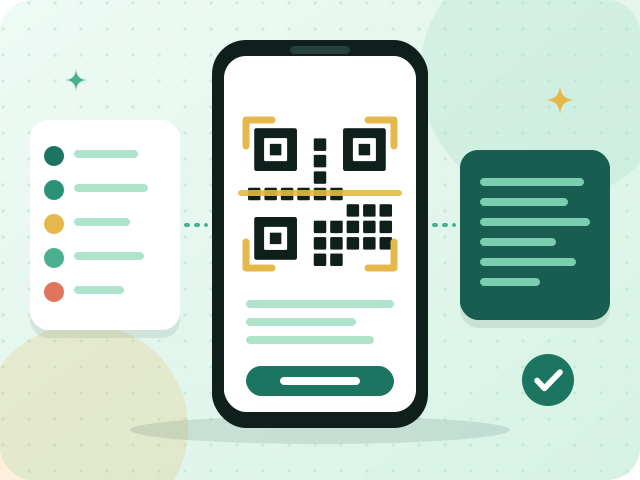
An invoice QR code is a square barcode shown on an e-invoice that holds its key data. In Phase 1 it contains the seller's name, the VAT registration number, a timestamp, the invoice total with VAT and the VAT amount.
What it means
The QR code lets anyone with a phone camera or a scanner read the main facts of an invoice without typing: who sold, their VAT registration number, when, the total, and how much of it is VAT. Phase 1 made it mandatory on simplified tax invoices, the receipts handed over at a till. The data is packed in a compact format called TLV and then encoded in Base64, which turns it into text that a scanner reads.
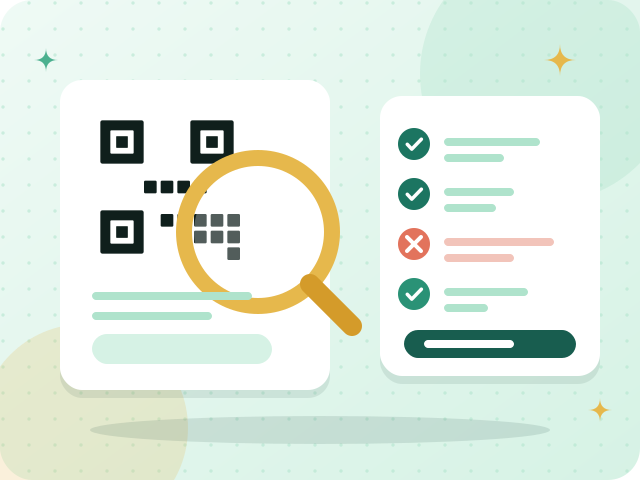
For the owner of a cafe the code is a matter of setup, not daily work: the till software builds it from the sale. What you check is that every receipt shows one and that a scan returns the right name, VAT number and amounts. A receipt without a code, or with wrong figures inside it, does not meet the rule.
Phase 2 keeps the QR code and adds more around it. Each invoice also carries its data as XML in the UBL 2.1 format and a cryptographic stamp, so the code becomes one element of a larger set rather than the whole requirement. Your system produces these elements; your task is to confirm they are present. You can see all of this in the simulation environment before you issue a single real invoice.
In practice
- Scan a printed receipt with your phone and compare the figures with the sale.
- Confirm the seller name and VAT registration number inside the code are correct.
- Check that the QR code appears on every simplified invoice, printed or digital.
- Keep each device's date and time correct, because the code includes a timestamp.
Questions about Invoice QR code
What information does the Phase 1 QR code contain?
It holds five items: the seller's name, the VAT registration number, a timestamp, the invoice total including VAT, and the VAT amount. They are encoded in the compact TLV format and then in Base64, so that a scanner can read them in one pass without anyone typing them in. Phase 2 invoices carry a QR code too, together with other technical elements.
Is a QR code needed on standard tax invoices too?
Phase 1 specifically requires the code on simplified tax invoices. Phase 2 invoices, whether standard or simplified, carry a QR code among their technical elements, so expect it on both once your wave starts. Check ZATCA's guidance to confirm what applies to your own business.
Issue correct invoices without the guesswork
Try Fatooraz free for 90 days in ZATCA’s simulation environment. No credit card needed.